Now on App Store · iOS

Google Forms,
in Your Pocket.

Create quizzes, collect responses, and manage Google Forms natively from your iPhone. AI-powered builder, full quiz mode, real-time push notifications.

Data stays in your Google Drive
·
Free to start
Teachers using GFM on their phones
45s cold launch to published form
10+ question types supported
17 ready-to-use templates
0 servers storing your form data
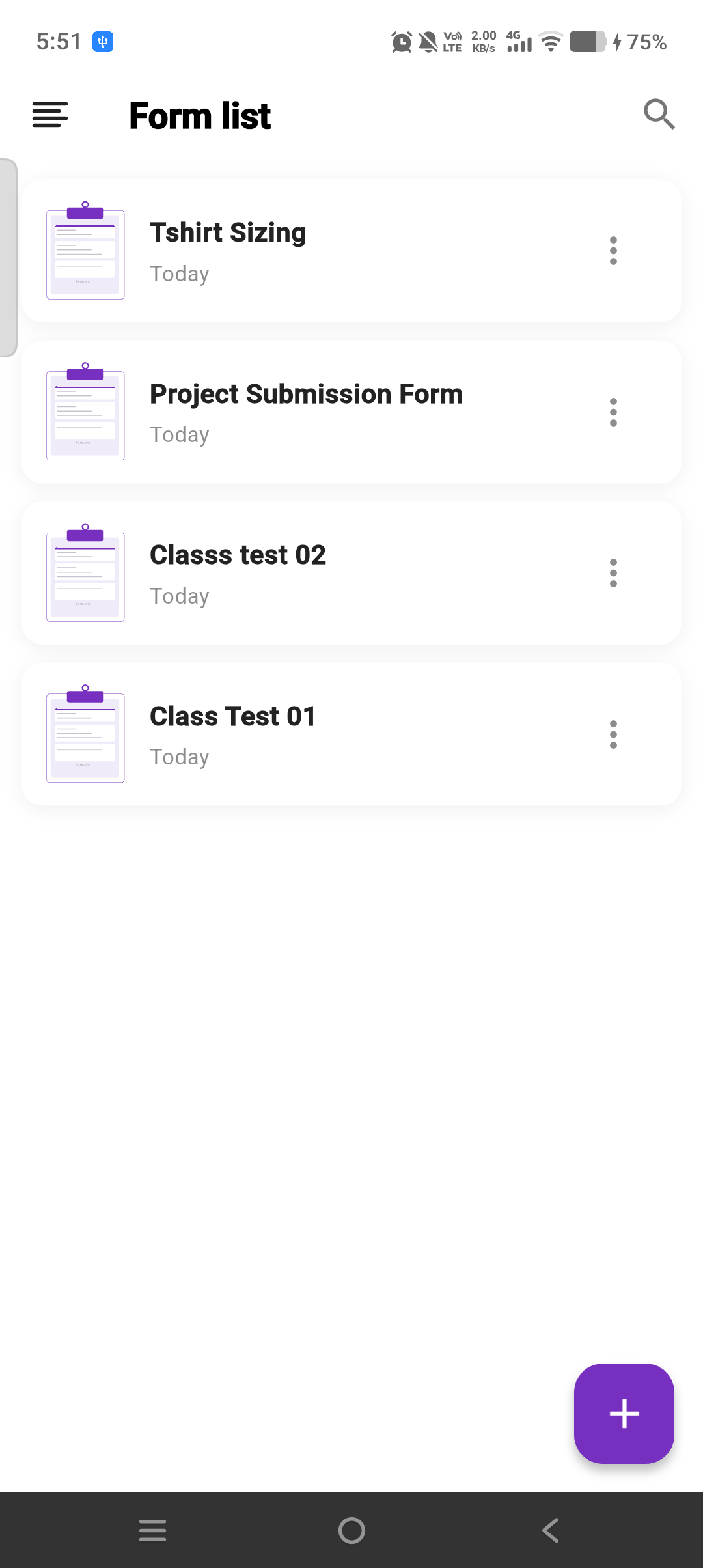
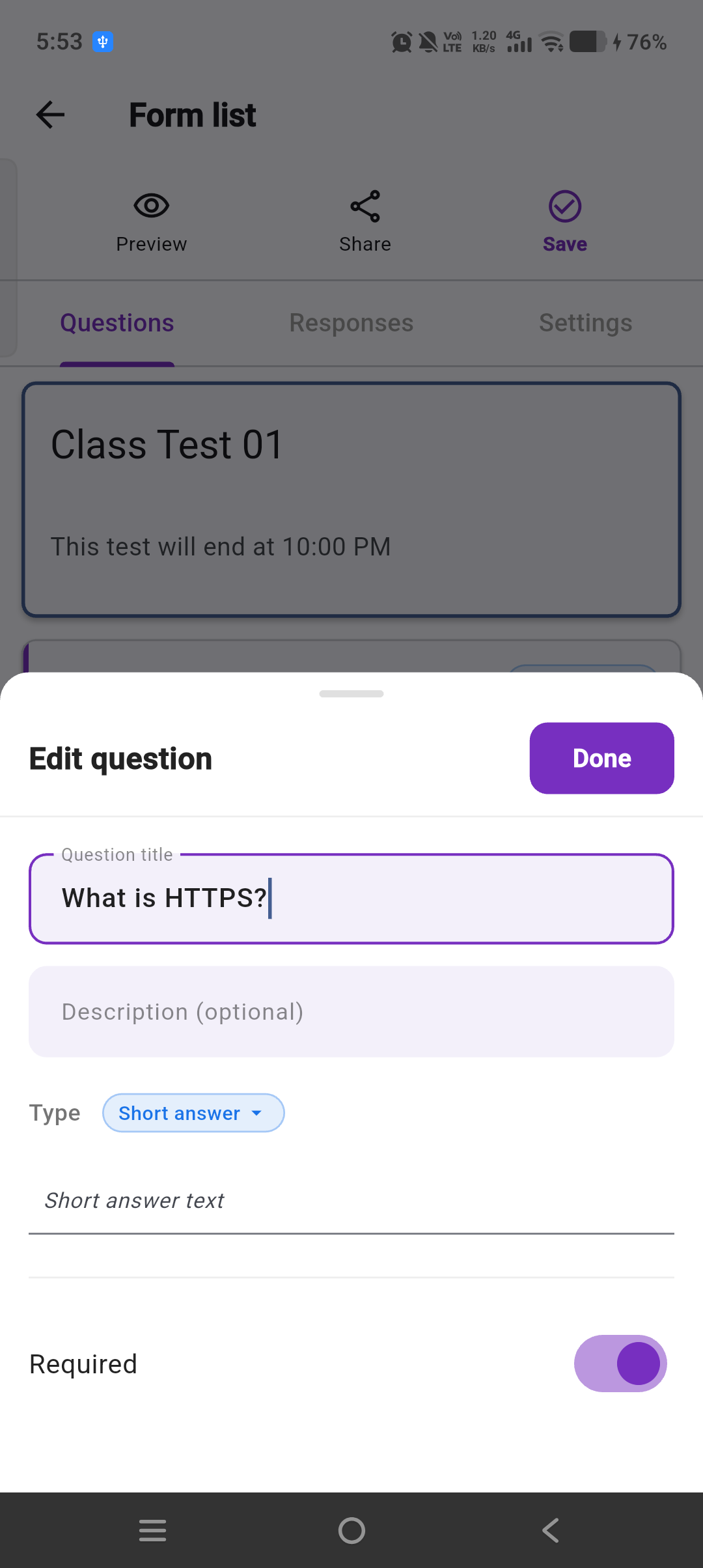
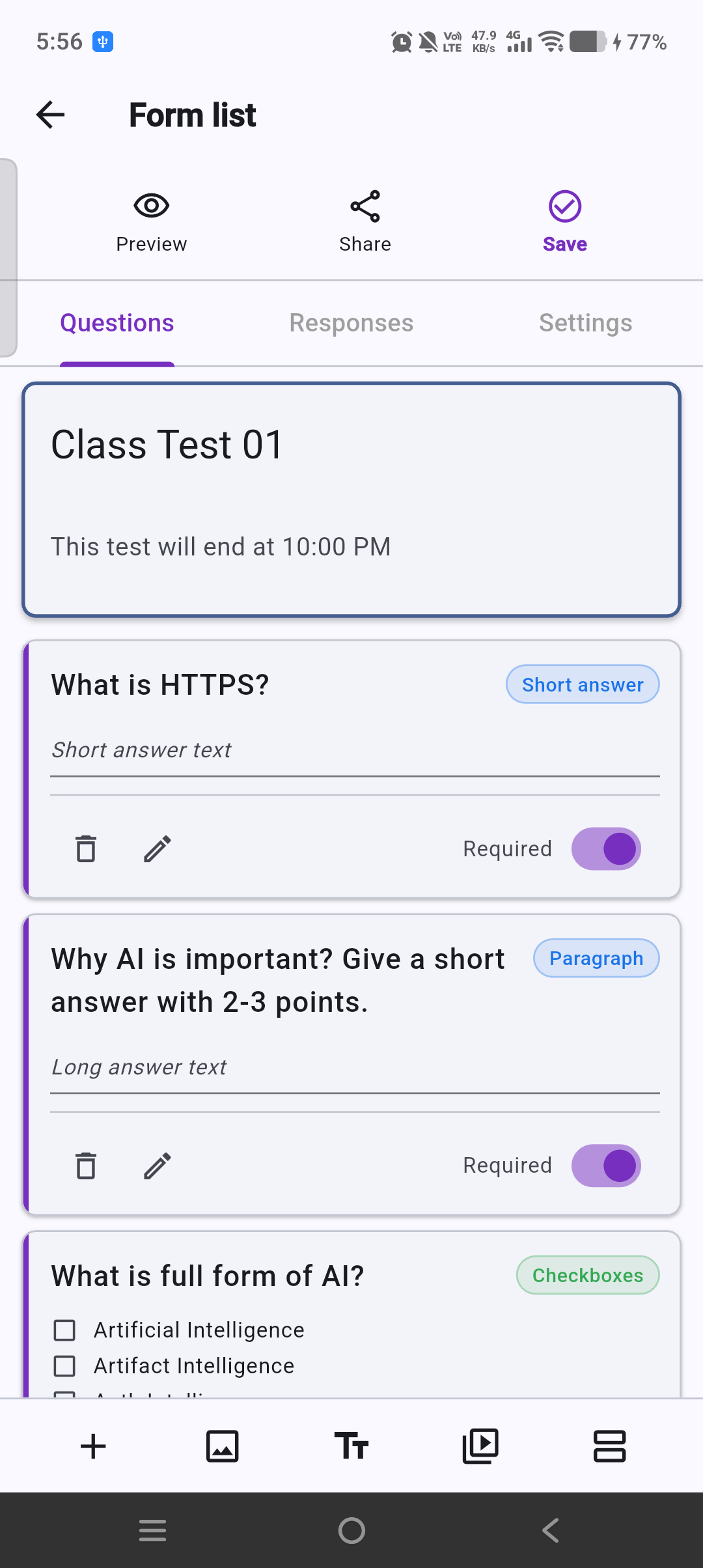
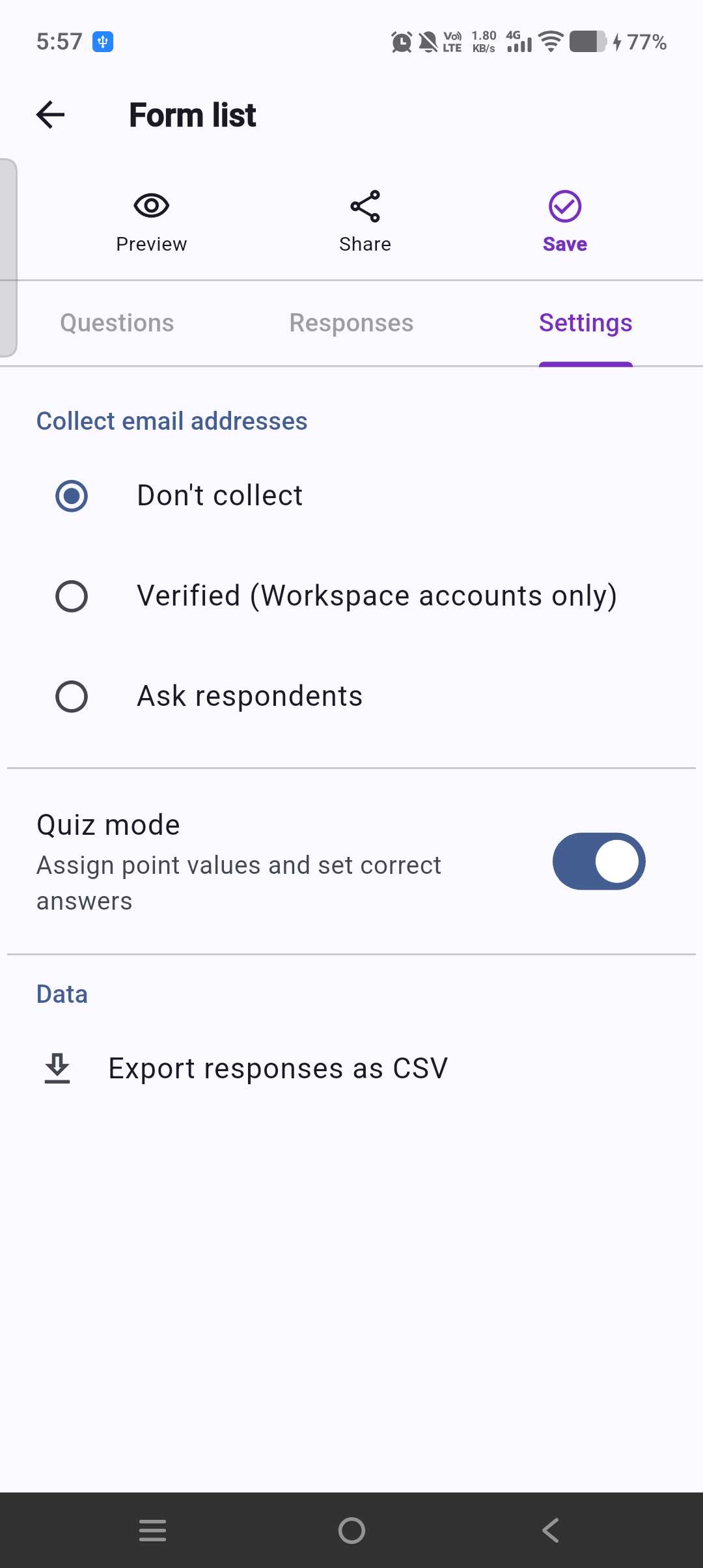
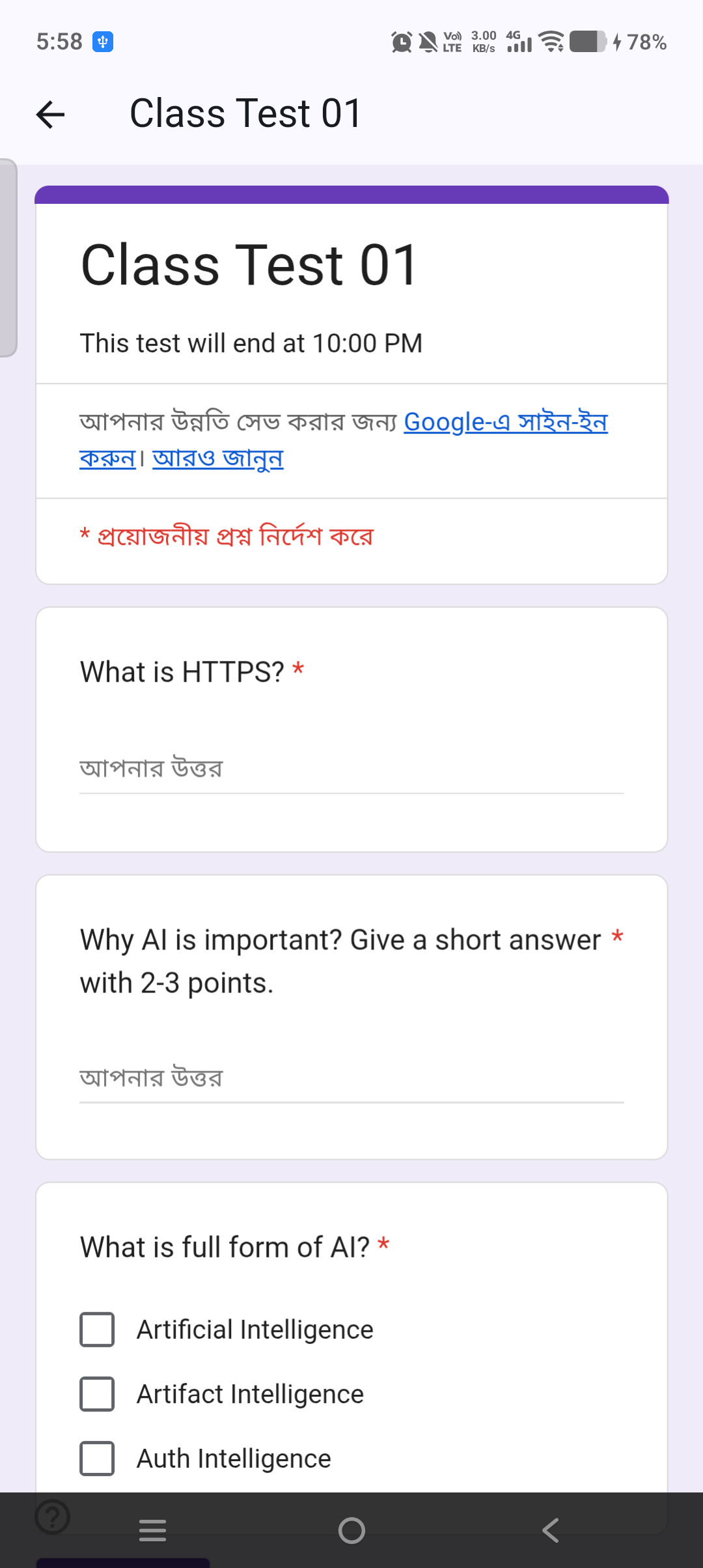
App Preview

See it in action.

Six screens, zero surprises. What you see here is exactly what you get.
Capabilities

Everything you need,
right on your phone.

All Question Types

Short answer, multiple choice, checkboxes, ratings, grids, scale, date, time — every type the Forms API exposes.

Quiz Mode & Answer Keys

Set point values, define correct answers, add per-question feedback. Grade with confidence from anywhere.

Response Analytics

Summary charts, per-question aggregates, individual drill-down, and one-tap CSV or PDF export.

Push Notifications

Get notified the instant a response arrives. Tap to jump straight to the response detail.

Pro

Sections & Branching

Page breaks with conditional logic. Route respondents to different sections based on their answers.

Share in One Tap

Copy the responder link or share via any app. Forms are real Google Forms from the moment you create them.

AI-Powered

Build a complete quiz
from a single prompt.

Describe what you need — GFM's AI builds the full form, adds answer keys, sets point values, and has it ready to share in seconds. Powered by Gemini.

  • Free-text prompts for all users (3 builds / month)
  • PDF, YouTube & website inputs (Pro)
  • Up to 600 AI builds per year (Pro Yearly)
See Pricing →
Your prompt
Create a 10-question biology quiz about photosynthesis with answer keys|
Generated in 4s
Biology Quiz — 10 questions Quiz mode ✓
Q1 · 2 pts
What is the primary product of light-dependent reactions?
ATP ✓ Correct
Glucose
Carbon dioxide
Q2 · 2 pts
Where does the Calvin cycle take place?
Mitochondria
Stroma ✓ Correct
Thylakoid membrane
+ 8 more questions generated
Workflow

From zero to published form in under 45 seconds.

01

Sign in with Google

Your existing Google account. GFM requests only the permissions it needs — Drive files it creates and form responses.

02

Create or open a form

Tap + to name a new form, pick a template, use the AI builder, or open an existing form from your Drive.

03

Build, share, and review

Add questions, enable quiz mode, hit share. Responses appear the moment they arrive — with a push notification if you want one.

Pricing

Simple, transparent pricing.

Start free. Upgrade for more AI power and push notifications.

Free
$ 0
forever
  • Create & edit unlimited forms
  • 10+ question types
  • 17 ready-to-use templates
  • Import forms from Drive
  • Share & preview forms
  • View responses in-app
  • 3 AI builds / month
Get Started Free
Pro Weekly
$ 3.99
per week
  • Everything in Free
  • 15 AI builds / week
  • PDF & website inputs
  • YouTube URL inputs
  • Push notifications
  • CSV export
  • PDF export (4 formats)
Get Pro Weekly
Best Value
Pro Yearly
$ 44.99
per year · ~$3.75 / mo
  • Everything in Pro Monthly
  • 600 AI builds / year
  • All Pro features
Get Pro Yearly

Subscriptions managed in-app via RevenueCat. Cancel anytime from App Store settings.

Available now · iOS · Free to download

Ready to manage Google Forms
from anywhere?

Join educators and teams who build and manage their forms straight from their phone.

Download on the App Store

Free · In-app purchases available · No extra account needed